Why isn't my business website showing on Google?
Your website is live, but nobody finds it on Google. The usual reasons, how to check each one in a few minutes, and what fixes them.
 Jay ShivramFounder, JS Solutions9 min read
In this post
If your business website isn't showing on Google, it is almost always one of six things: Google hasn't found it yet, it was never submitted, something on the site is telling Google to stay away, it is showing but not for the words your customers use, your business isn't on Google Maps, or the site recently moved and Google is still catching up. Each one can be checked in a few minutes, and most of them can be fixed.
I'm Jay Shivram, and I run JS Solutions, a web design and development business in Dar es Salaam. I get this question a lot, usually from someone who paid for a website, searched for their own business, and found nothing. This guide walks through the checks I run first, in the same order.

First, the 30-second check
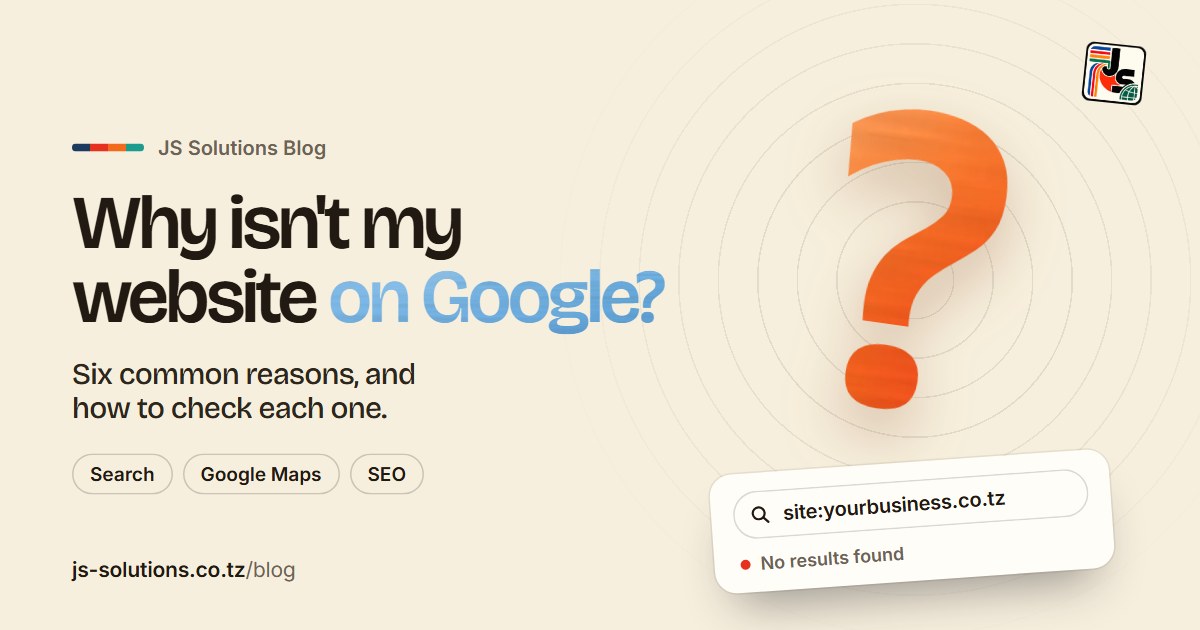
Open Google and type this, with your own address in place of the example:
site:yourbusiness.co.tz
No space after the colon. This asks Google to list every page it has from your website.
- Pages come up. Good news: Google knows your site. The problem is ranking, not indexing, so skip to "It shows up, but not when customers search".
- Nothing comes up. Google hasn't added your site yet. Work through the next three sections.
One more thing before you start: search in a private or incognito window. Google tailors results to the person searching, so your own browser can show you a slightly different picture from the one your customers see.
1. The site is new, and Google hasn't found it yet
Google doesn't know a website exists the moment it goes live. It finds new sites by following links from sites it already knows, and by reading the sitemaps that owners submit. Google's own guidance is that this can take anywhere from a few days to a few weeks.
If your site went live last week, there may be nothing wrong at all. If it has been live for a couple of months and the site: search is still empty, something else is going on.
2. Nobody told Google about it
This is the most common reason I see, and the easiest to fix.
Google has a free tool called Google Search Console. It is where a website owner proves the site is theirs, hands Google a sitemap (a list of every page), and sees which pages Google has added and which it has skipped, with the reason for each one.
If your developer never set it up, Google is left to stumble on your site by chance. Ask them three questions:
- Is the site verified in Google Search Console?
- Was a sitemap submitted?
- Can I have access too?
That last one matters. Search Console belongs with the business, not only with whoever built the site. If you ever change developers, you want to keep it.
Once you have access, the URL Inspection tool lets you check any single page and press Request indexing, which asks Google to come and read it.
3. Something on the site is telling Google to stay away
Websites can carry an instruction that says "don't show this page in search". It's useful while a site is being built, so a half-finished version doesn't end up in Google. The trouble starts when it's left switched on after launch.
The usual culprits:
- A "noindex" tag in the page's code. Search Console's URL Inspection tool will tell you if a page is excluded because of one.
- The WordPress setting. If your site runs on WordPress, go to Settings, then Reading, and look for "Discourage search engines from indexing this site". If it is ticked, untick it.
- A robots.txt file that blocks everything. Open yourbusiness.co.tz/robots.txt in your browser. If you see "Disallow: /" under "User-agent: *", the whole site is closed to search engines.
Any one of these can keep a perfectly good website invisible for months, and none of them shows up when you simply visit the site.
4. It shows up, but not when customers search
This one confuses a lot of people. You type your business name and there you are. Then you type "hardware shop Kariakoo" or "accountant in Dar es Salaam" and you're nowhere.
Being on Google and ranking on Google are two different things. Showing up for your own name is the easy part, because almost nobody else has that name. Showing up for what you sell means Google has to decide your page is a better answer than everyone else's. A few things usually hold a site back:
- The words aren't on the page. If customers search for "school uniforms in Arusha" and your site only says "Welcome to our family", Google has nothing to match. Say plainly what you do and where you do it, in the words a customer would type.
- The text is inside pictures. A flyer or a poster uploaded as an image looks fine to a person, but search engines read real text far better than words baked into a picture. Your services, prices and location belong in the page itself.
- There's only one thin page. A single page with a logo and a phone number gives Google very little to work with. A page for each main service gives it much more.
- It's slow or awkward on a phone. Google looks at the mobile version of your site first, and so do plenty of your customers. If it takes ages to load on mobile data, or the text is tiny, both of them will move on.

5. Your business isn't on Google Maps
When someone searches for a type of business plus an area, Google often shows a map with three businesses on it before any websites at all. Those come from Google Business Profile, a free listing that is separate from your website.
If you don't have one, you can't appear in that map, however good your website is. Setting one up means adding your business at business.google.com, choosing the right category, and verifying that you're real. Then make sure your business name, phone number and area are written exactly the same way on the profile, on your website and on your social media pages. Small differences, like a different phone number on Instagram, make it harder for Google to be sure they are all the same business.
Link the profile to your website, and link your website back to it. Each one makes the other more believable.

6. The site moved, and Google is still catching up
If you changed your domain name recently, or rebuilt the site and the page addresses changed, Google has to work out where everything went. Done properly, every old address sends visitors and Google to the matching new page with what's called a permanent redirect, and the rankings carry over in time.
I went through this myself a few weeks ago, when JS Solutions moved from jayshivram.co.tz to js-solutions.co.tz. Not long after, Search Console sent me an email titled "New reasons prevent pages from being indexed", with the reason "Page with redirect". It sounds alarming. It wasn't. It meant Google had found the old addresses, seen that they now point to the new ones, and was choosing to show the new pages instead, which is exactly what should happen. A search for JS Solutions Tanzania now brings up the new site at the top.
So if you see that message after a move, check that the pages it lists are old addresses that redirect on purpose. If one of your live, current pages is in that list, that's worth a closer look.
What really hurts is a move done without redirects. Every old link and every bit of search history points at pages that no longer exist, and the new site starts again from zero. If you're planning a redesign, ask your developer how they will keep your existing rankings before any work starts.
Two quieter problems
- The domain or hosting expired. If a renewal was missed, the site may be offline, and Google drops pages it can't reach. Check the renewal dates, and make sure the reminder emails go to an address you actually read.
- Another site looks more trusted. Google pays attention to who links to you and mentions you: suppliers, directories, local news, partners. A brand-new site with nothing pointing to it has to earn that slowly. Every genuine mention helps.
What to do next
If you worked through this list and found the problem, fix it and then use Request indexing in Search Console on your most important pages. Give it a couple of weeks before you judge the result.
If you'd rather hand this to someone else, that's what I do. You have two ways forward:
- Your site is basically fine, but Google can't see it. My SEO and performance service is a one-time audit and fix for a site somebody else built: what's blocking Google, page speed, mobile performance, titles and descriptions, Google Business Profile, and the site submitted with a sitemap.
- Your site is old, slow, or one thin page. A redesign gives Google something worth ranking, and I keep the addresses that already work so you don't lose what you've built up.
Every new website I build includes a Google Business Profile set up for you and the site submitted to Google, so this checklist is done before launch, not months after. You can see what each package includes on the pricing page.
Not sure which one you need? Send me your website address on WhatsApp or email, in English or Swahili, and I'll tell you what I see, even if the answer is a setting you can change yourself.

Written by
Jay Shivram
Founder of JS Solutions, a web design and development business based in Dar es Salaam, Tanzania.